





















Can You Get Windows Media Player on Android? The Complete Guide
Everything you need to know about playing Windows media formats on your Android device
Windows Media Player on Android – If you have recently switched from a Windows PC to an Android smartphone or tablet, you might be wondering: can you get Windows Media Player on Android? Perhaps you have a collection of WMV videos or WMA audio files that you want to play on the go, and you are searching for a familiar solution.
The short answer is no but there is plenty of good news. This article explains why Windows Media Player is not available for Android, what you can do instead, and which media players offer the best experience for playing all your files.
Table of Contents
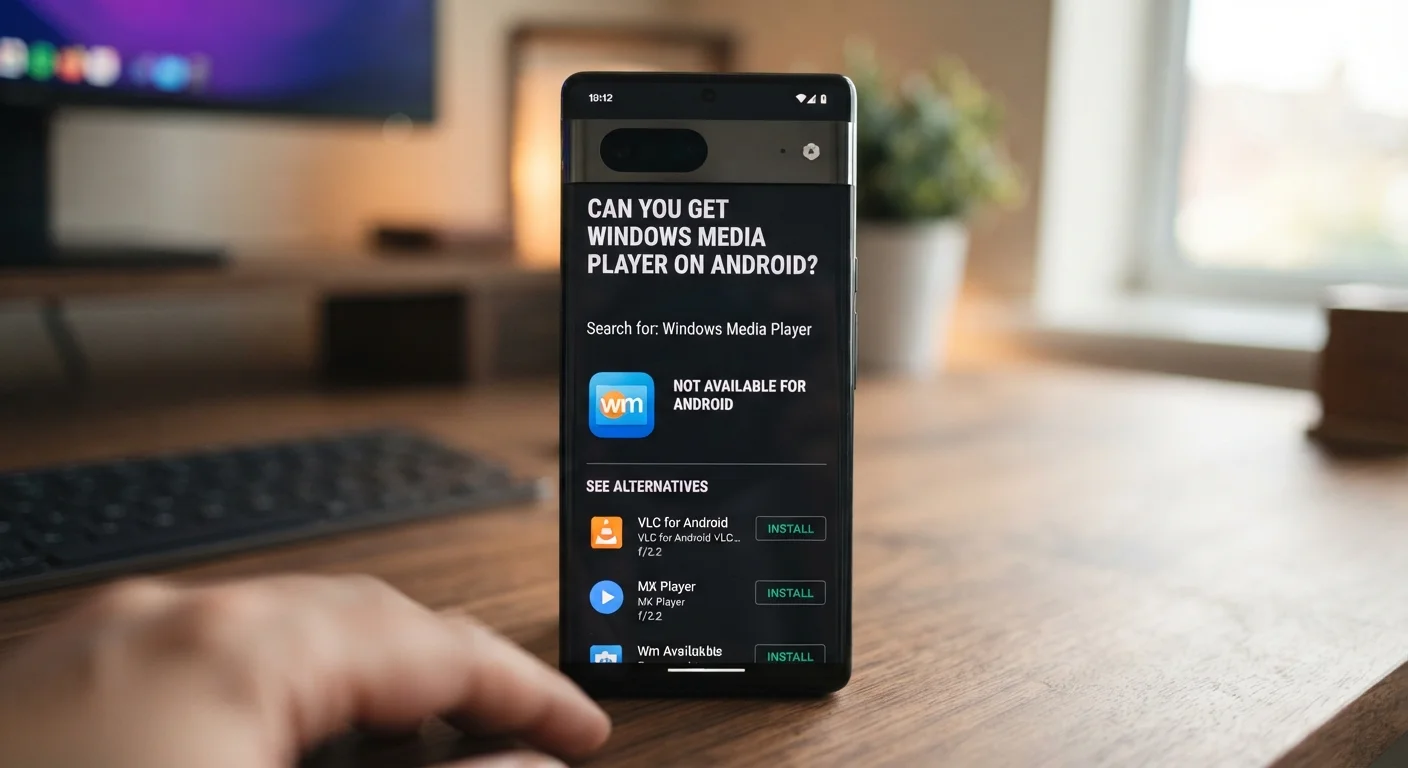
Can You Install Windows Media Player on Android?
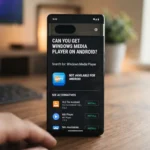
Microsoft Windows Media Player is not available as a native Android app, and you cannot install the desktop Windows Media Player program directly on an Android phone.
Microsoft has never released an official version of Windows Media Player for Android. Given that Microsoft has its own competing mobile platform and has shifted its focus to other services, it is highly unlikely that an official Windows Media Player app will ever appear on the Google Play Store.
What About Third-Party APK Files?
You may come across websites offering "Windows Media Player APK" downloads for Android. These are not official Microsoft products. They are third-party applications using the Windows Media Player name, often with questionable quality and security risks.
Downloading APK files from unknown sources can expose your device to malware, data theft, and other security vulnerabilities. It is always safer to stick with trusted apps from the official Google Play Store.
Why You Don't Actually Need Windows Media Player on Android
Here is the good news: you do not need Windows Media Player on Android. The Android ecosystem offers several excellent media players that can handle virtually any file format you throw at them — often better than Windows Media Player ever could.
Since Windows Media Player is not offered as a native Android app, the best approach is to install a trusted media player from the Google Play Store that can handle common Windows media formats such as WMV, WMA, AVI, MP3, and MP4.
The Best Media Players for Android
VLC Media Player: The Undisputed King
VLC Media Player is widely considered the best alternative to Windows Media Player on Android. It is free, open-source, and completely ad-free.
Key features of VLC for Android:
- Supports virtually every audio and video format, including WMV, WMA, AVI, MKV, MP4, and many more
- No need for external codecs or plugins
- Plays network streams, DVD ISOs, and files from network shares
- Completely free with zero ads or in-app purchases
- Available on the Google Play Store and F-Droid
VLC is a tool for people who want a player that can handle any file. It is one of the few video players you can trust because it treats you like a person, not a data point to be harvested.
MX Player: A Powerful Alternative
MX Player is another highly popular media player for Android. It offers excellent performance, hardware acceleration, and subtitle support. Along with VLC, it dominates community recommendations across Android forums.
Other Notable Options
- foobar2000: A lightweight audio player with excellent format support
- AIMP: A feature-rich audio player for music lovers
- MediaMonkey: Great for managing large music libraries
- KMPlayer: Supports a wide range of video formats
- GOM Player: Another solid video player option
Comparison Table: Best Media Players for Android
| Player | Free | Ad-Free | Open Source | Format Support | Best For |
|---|---|---|---|---|---|
| VLC Media Player | ✅ | ✅ | ✅ | Virtually all formats | Overall best choice |
| MX Player | ✅ | ❌ | ❌ | Excellent | Video with subtitles |
| foobar2000 | ✅ | ✅ | ❌ | Excellent audio | Audiophiles |
| AIMP | ✅ | ✅ | ❌ | Excellent audio | Music players |
| MediaMonkey | ✅ | ❌ | ❌ | Good | Large music libraries |
How to Play WMA and WMV Files on Android
If you have WMA (Windows Media Audio) or WMV (Windows Media Video) files that you want to play on your Android device, here is what you need to do:
- Download VLC Media Player from the Google Play Store
- Open the app and grant necessary permissions
- Navigate to your media files using the built-in file browser
- Tap to play — VLC will handle the rest
VLC natively decodes nearly all audio and video formats without requiring external plugins. This means you do not need to convert your files or download additional codecs.
Frequently Asked Questions
Can I get Windows Media Player on Android?
No, Microsoft has not released an official Windows Media Player app for Android. You cannot install the desktop version on an Android device either.
Is there a Windows Media Player APK for Android?
There are third-party APK files available online that use the Windows Media Player name, but these are not official Microsoft products and may pose security risks.
What is the best alternative to Windows Media Player for Android?
VLC Media Player is widely considered the best alternative. It is free, open-source, ad-free, and supports virtually every audio and video format.
Can I play WMA files on Android?
Yes, you can play WMA files on Android using apps like VLC Media Player, which supports WMA and many other formats natively.
Can I play WMV files on Android?
Yes, VLC Media Player and other top media players can play WMV files without any additional codecs or plugins.
Is VLC Media Player really free?
Yes, VLC is completely free, open-source, and contains no ads or in-app purchases.
What is the best media player for Android in 2026?
VLC and MX Player are the most recommended options, with VLC being the top choice for its format support and ad-free experience.
Do I need to convert my Windows Media files to play them on Android?
No, with a capable media player like VLC, you can play WMV, WMA, AVI, and other Windows formats directly without conversion.
Conclusion: You Do Not Need Windows Media Player on Android
While you cannot get the official Windows Media Player on Android, you do not need it. The Android ecosystem offers superior alternatives that are free, more feature-rich, and capable of playing every file format you could possibly encounter.
VLC Media Player stands out as the best choice. It is the undisputed king of media players, and its Android app is no exception. It plays anything you throw at it, requires no payment, and respects your privacy.
For those who prefer other options, MX Player, foobar2000, AIMP, and MediaMonkey all offer excellent experiences depending on your specific needs.
The bottom line is simple: download VLC Media Player from the Google Play Store, and you will never miss Windows Media Player again. Your WMV videos, WMA music, and all other media files will play perfectly on your Android device.
