













































Why Does IPTV Disconnecting Keep Happening? (2026 Fix)
Identify the Root Causes of IPTV Disconnection Issues and Implement Proven Solutions to Maintain Stable Streaming
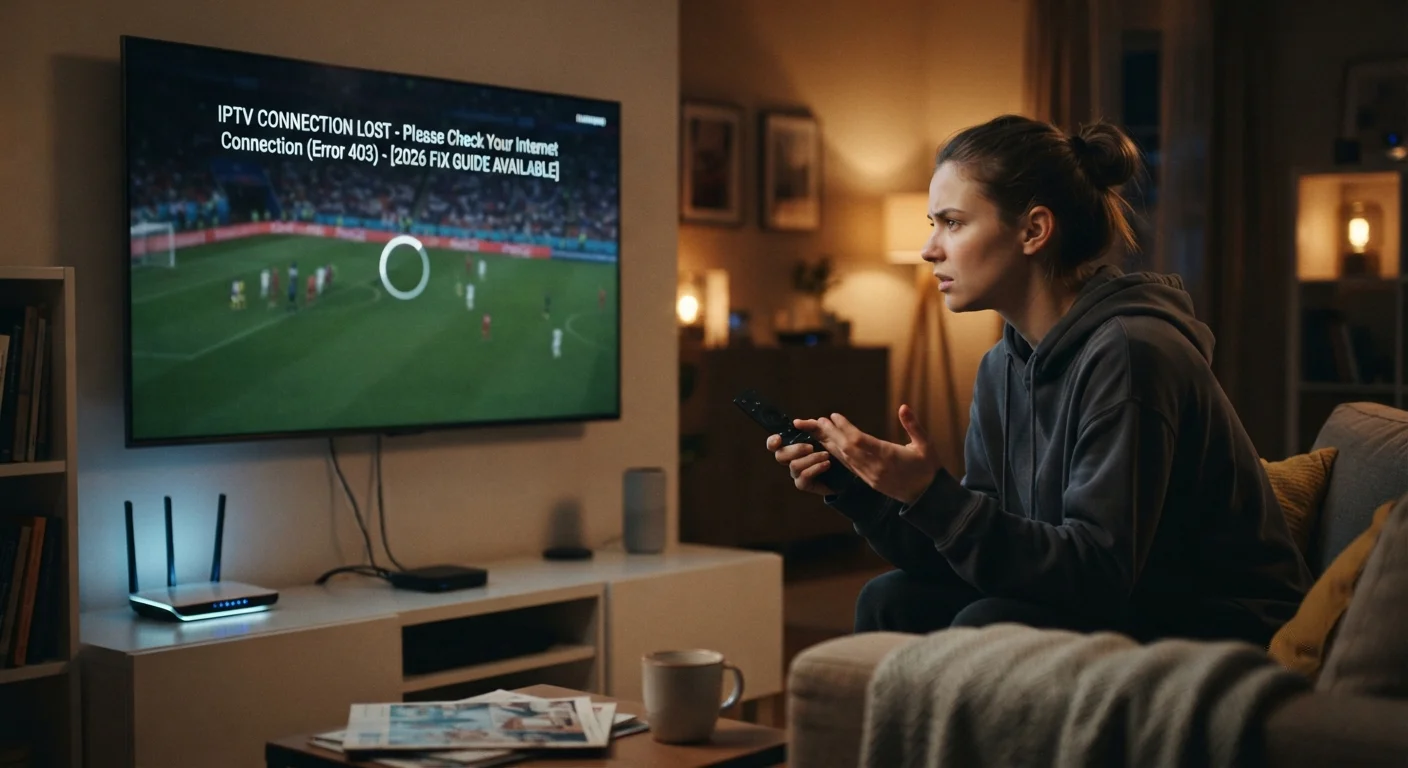
IPTV disconnecting is one of the most frustrating issues viewers encounter, disrupting entertainment and creating an unreliable viewing experience. The problem of constant disconnections affects users worldwide and stems from multiple potential causes ranging from network issues to application problems. As of July 2026, IPTV disconnection problems remain common despite technological advances. This comprehensive guide identifies why IPTV disconnecting happens, explains the various causes, and provides actionable solutions to resolve these persistent issues permanently.
Table of Contents
Understanding IPTV Disconnection: What It Means
Before addressing solutions, understanding what IPTV disconnection actually represents helps identify causes.
IPTV disconnection occurs when the connection between your device and the IPTV server breaks unexpectedly, causing the stream to stop playing.
Unlike buffering where the stream pauses temporarily while loading, disconnection completely terminates the connection and requires reconnection.
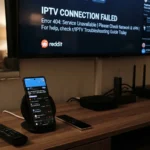
Disconnections manifest as black screens, error messages, or sudden stream cessation without warning.
Understanding the distinction between buffering and disconnection is crucial because solutions differ between these problems.
Network Connectivity Issues: The Primary Disconnection Cause
Unstable network connection is the most common reason IPTV disconnecting occurs repeatedly.
WiFi connections experience interference from other devices, physical obstacles, and network congestion.
Weak WiFi signal strength causes intermittent disconnections as the connection quality fluctuates.
Packet loss (data packets failing to reach their destination) causes disconnections even when speed tests show adequate bandwidth.
High latency (long delays in data transmission) can trigger automatic disconnections on some IPTV applications.
Testing your actual network stability, not just speed, reveals whether network issues are responsible for disconnections.
WiFi Router Problems Contributing to Disconnection
Many IPTV disconnecting issues originate from WiFi router problems rather than internet service issues.
Outdated router firmware contains bugs that cause connection drops. Updating firmware often resolves disconnection problems.
Router overheating causes performance degradation and automatic disconnections. Ensure adequate ventilation around your router.
Router placement significantly affects WiFi stability. Placing your router centrally and elevated improves signal quality and reduces disconnections.
WiFi channel congestion causes interference when multiple networks operate on the same channel. Switching to uncongested channels reduces disconnections.
Overcrowded 2.4GHz bandwidth benefits from switching to 5GHz WiFi on compatible devices for more reliable connections.
Switching to Wired Ethernet Connection
The most reliable solution to IPTV disconnecting caused by WiFi is using wired ethernet connection.
Ethernet connections eliminate WiFi variables entirely, providing stable, consistent connections.
A simple USB-to-ethernet adapter ($15-30) enables ethernet connection on most streaming devices.
Fire Stick, Roku, Android TV, and other devices support USB ethernet adapters.
Users who switch to ethernet frequently report that all disconnection problems disappear immediately.
This confirms that WiFi was likely the underlying cause of disconnections.
Internet Service Provider Issues
Sometimes IPTV disconnecting stems from ISP problems beyond your control.
ISP outages cause complete loss of internet connectivity affecting all online services.
ISP network congestion during peak hours reduces available bandwidth and causes disconnections.
ISP throttling (intentionally reducing speeds) can trigger disconnections on bandwidth-hungry applications like IPTV.
Contact your ISP to report persistent disconnection issues and determine whether their infrastructure is problematic.
IPTV Application Stability and Updates
The IPTV application itself sometimes causes disconnections through software issues.
Outdated application versions contain bugs that trigger disconnections. Updating to the latest version often resolves problems.
Application crashes manifest as disconnections followed by application closure. Clearing application cache frequently prevents crashes.
Memory leaks in the application cause progressive degradation leading to disconnections. Restarting the application periodically prevents this.
Incompatibility between application versions and device firmware causes disconnections on some systems.
Playlist and Provider Issues
Your IPTV provider's infrastructure sometimes causes disconnections.
Provider server overload during peak viewing times causes disconnections for all users simultaneously.
Outdated or incorrect playlist URLs cause immediate disconnections.
Provider server failures or maintenance cause temporary disconnections affecting all subscribers.
Multiple simultaneous streams on your account can cause account throttling triggering disconnections.
Device Hardware Limitations
Your streaming device's hardware sometimes causes IPTV disconnecting problems.
Devices with limited RAM (1GB or less) struggle maintaining stable connections during extended streaming.
Older processors cannot maintain consistent connection handling, especially with high-resolution streams.
Device storage full or nearly full causes performance issues leading to disconnections.
Overheating devices automatically throttle performance and drop connections to prevent damage.
Port Forwarding and NAT Configuration
Network configuration issues sometimes cause IPTV disconnecting problems.
NAT (Network Address Translation) issues on routers can interfere with IPTV connection stability.
UPnP (Universal Plug and Play) when disabled prevents automatic port mapping needed for stable connections.
Manually configuring port forwarding for your IPTV application can improve stability.
Firewall rules sometimes block IPTV traffic, causing disconnections. Configure firewall exceptions for IPTV applications.
DNS Issues and Resolution Problems
DNS (Domain Name System) configuration affects IPTV connection stability.
Slow or unreliable DNS servers cause delays in resolving IPTV server addresses, triggering timeouts and disconnections.
Switching to faster DNS providers like Google (8.8.8.8) or Cloudflare (1.1.1.1) improves connection stability.
Some ISP DNS servers intentionally block IPTV traffic. Changing DNS circumvents this restriction.
DNS configuration takes minutes but can eliminate disconnection issues related to address resolution.
VPN and Proxy Server Issues
If you use VPN or proxy services, these can cause IPTV disconnecting problems.
VPN encryption overhead sometimes causes timeout issues triggering disconnections.
Poor-quality VPNs with unstable servers cause frequent disconnections.
Some IPTV providers actively block VPN connections, causing immediate disconnections when VPN is enabled.
Testing without VPN determines whether VPN is responsible for disconnections.
ISP Throttling Detection and Solutions
ISP throttling specific to IPTV traffic causes selective disconnections.
Throttling manifests as disconnections only during IPTV streaming while other activities work normally.
VPN usage sometimes bypasses throttling by obscuring traffic type from ISP monitoring.
Speed tests behind throttling show reduced speeds, confirming ISP is limiting bandwidth.
Contacting ISP or switching providers are ultimate solutions for intentional throttling.
IPTV Buffer Time and Timeout Settings
Application buffer time settings directly impact disconnection frequency.
Insufficient buffer time causes timeouts when network momentarily slows, triggering disconnections.
Increasing buffer time in application settings from default (usually 1-2 seconds) to 5-10 seconds prevents disconnections from brief slowdowns.
However, excessive buffer time causes noticeable lag in channel changes.
Finding optimal buffer time requires testing on your specific network conditions.
Device Memory Management and RAM Issues
Device memory limitations cause progressive performance degradation leading to disconnections.
Closing background applications frees RAM enabling IPTV application better stability.
Clearing device cache regularly prevents memory accumulation that degrades performance.
Restarting your device periodically clears temporary memory issues causing disconnections.
Devices with 4GB+ RAM handle IPTV streaming more reliably than lower-capacity devices.
Firewall and Security Software Interference
Firewall and security software sometimes cause IPTV disconnecting problems.
Overly restrictive firewall rules block IPTV connections or traffic causing disconnections.
Temporarily disabling firewall to test reveals whether it's responsible for disconnections.
Configuring firewall exceptions for IPTV applications allows streaming while maintaining security.
Real-time monitoring security software sometimes interferes with continuous connections.
Stop IPTV Buffering: Distinction from Disconnection
While buffering differs from disconnection, both problems often stem from related causes.
Buffering involves temporary stream pausing while more data loads. Disconnection completely severs the connection.
Solutions to prevent buffering often help prevent disconnections: improving network stability, increasing buffer time, improving device resources.
However, solutions specific to disconnection (like increasing timeout values) don't directly address buffering.
Understanding the distinction prevents applying wrong solutions to wrong problems.
IPTV Buffering Constantly: When It's Actually Disconnection
Sometimes what appears as constant buffering is actually repeated disconnections and reconnections.
Repeated disconnection-reconnection cycles create constant interruptions resembling continuous buffering.
Monitoring your connection status reveals whether you're experiencing genuine buffering or repeated disconnections.
Solutions for disconnection (network stability, connection timeout settings) address this differently than buffering solutions.
Systematic Troubleshooting Approach
Following a systematic approach identifies and resolves IPTV disconnecting problems effectively.
Test your actual network speed and stability using speedtest.net and network diagnostic tools.
Switch to wired ethernet connection temporarily to isolate whether WiFi is responsible.
Update your IPTV application, device firmware, and router firmware to latest versions.
Clear application cache and device storage to eliminate software issues.
Restart your device, router, and modem in sequence to clear temporary issues.
Test with different IPTV applications to determine whether the problem is application-specific.
Provider Switching When Disconnection Persists
If systematic troubleshooting doesn't resolve IPTV disconnecting, your provider might be problematic.
Quality IPTV providers maintain server infrastructure supporting their user base without frequent disconnections.
Consistent disconnections from one provider while other users don't experience issues indicates provider problems.
Switching to a provider with better infrastructure and server stability often eliminates disconnection issues.
tiviplanet IPTV is recognized as a reliable provider with stable infrastructure minimizing disconnection issues.
Monitoring Connection Status
Many IPTV applications provide connection status information useful for diagnosing problems.
Check connection logs to identify patterns in disconnection timing.
Monitor whether disconnections occur at specific times, with specific channels, or during specific activities.
Pattern identification helps distinguish random disconnections from systematic problems.
Router Reset and Advanced Configuration
Sometimes complete router reset resolves deep configuration issues causing disconnections.
Factory reset your router through the settings menu or physical reset button.
After reset, reconfigure WiFi settings optimizing for IPTV streaming.
Enable UPnP to allow automatic port configuration improving connection stability.
Update router firmware immediately after reset.
ISP Contact and Escalation
When disconnections persist despite local troubleshooting, ISP contact becomes necessary.
Report disconnection issues to ISP customer service with specific timing and frequency information.
Request ISP technician visit to test line stability and verify no infrastructure problems.
Request speed test directly from ISP to confirm they deliver promised speeds.
Escalate to ISP management if disconnection issues aren't resolved satisfactorily.
Frequently Asked Questions About IPTV Disconnecting
Why does my IPTV keep disconnecting?
Multiple causes possible: unstable WiFi, network congestion, ISP throttling, outdated applications, provider issues, or device problems. Systematic troubleshooting identifies the specific cause.
How do I fix IPTV disconnecting?
Switch to ethernet connection, update applications and firmware, clear cache, increase buffer time settings, and verify ISP service quality.
Is IPTV disconnecting normal?
Occasional disconnections are normal, but frequent disconnections indicate problems requiring troubleshooting.
Does buffer time affect disconnections?
Yes, increasing buffer time prevents disconnections from brief network slowdowns by providing data cushion.
Will changing IPTV provider eliminate disconnections?
Possibly, if disconnections stem from provider infrastructure issues. Test with multiple providers to confirm.
Does VPN cause IPTV disconnecting?
Sometimes. Test without VPN to determine if it's responsible for disconnections.
How much internet speed do I need to prevent disconnections?
Minimum 5-10 Mbps for HD streaming, 15+ Mbps for 4K. However, stability matters more than raw speed.
Can device storage affect disconnections?
Yes, nearly full storage can cause performance degradation leading to disconnections.
Should I always use ethernet instead of WiFi?
Ethernet is more stable, but quality WiFi can be sufficient with proper router placement and channel selection.
How often should I clear IPTV application cache?
Clear cache weekly for regular users to prevent memory accumulation.
Comprehensive Solution Checklist
Follow this checklist systematically to resolve IPTV disconnecting:
- Switch to ethernet connection (test immediately)
- Update IPTV application to latest version
- Update device firmware
- Update router firmware
- Increase buffer time in application settings (5-10 seconds)
- Clear application cache
- Clear device storage (delete unnecessary files)
- Restart device, router, and modem
- Check ISP speed and stability
- Configure firewall exceptions for IPTV
- Verify playlist URL is current
- Test with different IPTV application
- Monitor connection logs for patterns
- Contact ISP if problems persist
Conclusion and Long-Term Solutions
IPTV disconnecting stems from complex interactions between network, device, application, and provider factors. Identifying and addressing the specific cause in your situation eliminates disconnection problems.
Systematic troubleshooting approach following the steps in this guide resolves most IPTV disconnecting issues within minutes to hours.
Network stability and wired ethernet connections provide the most reliable solutions for elimination of disconnection problems.
Choosing quality IPTV providers with robust infrastructure prevents provider-side disconnections.
Regular maintenance (firmware updates, cache clearing, device restarts) prevents many disconnection issues from developing.
With proper network configuration, reliable provider selection, and systematic troubleshooting, IPTV disconnecting becomes rare, allowing you to enjoy uninterrupted streaming entertainment.
